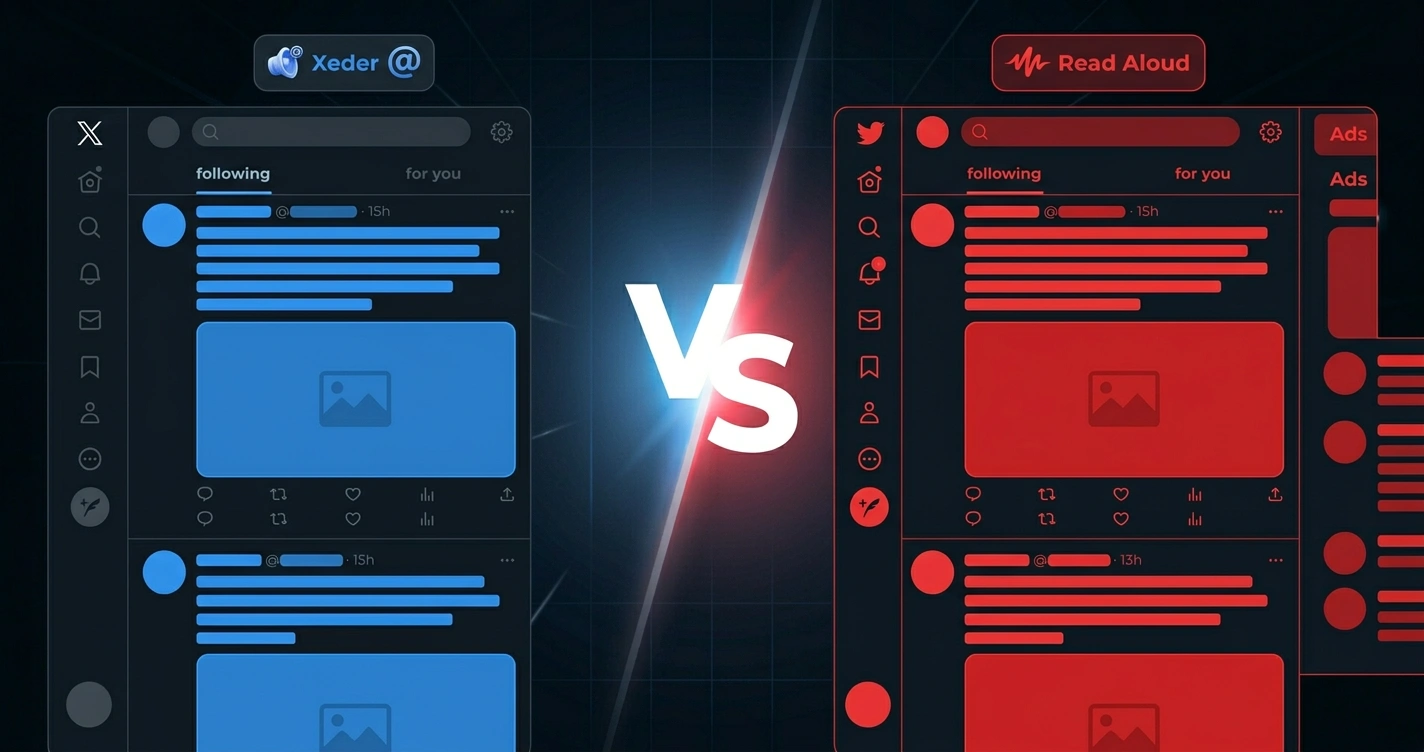
TL;DR - Key Takeaways
- Xeder is the only TTS extension specifically built for Twitter/X feeds with real-time audio playback
- Speechify is the most feature-rich general-purpose TTS tool but costs $12.99/month
- Read Aloud offers free text-to-speech with solid voice quality and social media support
- The best choice depends on your primary use case: Twitter-specific, multi-platform, or budget-conscious
- All top extensions now use neural voices (Google, Azure, or proprietary) for natural-sounding audio
Text-to-speech technology has become sophisticated enough that it's genuinely useful for daily productivity. Chrome extensions now let you listen to social media feeds, articles, and web content instead of reading them. But which one should you actually use?
There are dozens of options, and they vary dramatically in features, voice quality, pricing, and specialization. This is the complete comparison.
Why TTS for Social Media Matters
The Problem TTS Solves
Social media platforms are designed to maximize your screen time. Infinite scroll, algorithmic feeds, push notifications - they're all engineered to keep you glued to your device. If you try to stay informed through social media, you're fighting against systems designed to make you spend hours scrolling.
Text-to-speech changes the game. It lets you consume social media content without the scrolling behavior. Listen during your commute, while exercising, while cooking. Your eyes are free. Your hands are free. The compulsive scroll impulse disappears.
Accessibility Benefits
For visually impaired users, TTS is essential. For dyslexic users, it's transformative. For anyone with attention issues, the ability to listen instead of visually scan is genuinely helpful.
Productivity Impact
Research shows that listening to content while doing other activities can increase your effective learning time by several hours per day. Your commute, exercise routine, household chores - suddenly these become opportunities for information consumption.
Quick Comparison Table
| Extension | Price | Best For | Twitter Support | Voice Quality | Offline |
|---|---|---|---|---|---|
| Xeder | $4.99 (one-time) | Twitter/X feeds specifically | Optimized | Excellent (Google Cloud) | No |
| Speechify | $12.99/month | General-purpose reading | Supported | Excellent | Limited |
| Read Aloud | Free (premium $4/month) | Budget-conscious users | Supported | Good | Partial |
| Tweet2Audio | Free to $5 | Twitter specifically | Optimized | Good | No |
| Natural Reader | Free to $9.99/month | Documents and PDFs | Supported | Very good | Limited |
| Talkie | Free (premium $9.99/month) | Web reading | Supported | Good | Partial |
Detailed Reviews
Xeder - Twitter-First TTS
Price: $4.99 one-time purchase
Xeder is the only TTS extension built specifically for Twitter/X feeds. It's not a general-purpose tool that happens to work on Twitter - it's optimized for Twitter's feed structure, with features like queue management, playback speed control, and integration with Twitter's design.
The extension uses Google Cloud Text-to-Speech, which produces the most natural-sounding voices currently available. If you spend significant time on Twitter and want to consume your feed as audio, Xeder is purpose-built for this.
Pros
- Specifically optimized for Twitter feed reading
- Highest-quality voices (Google Cloud TTS)
- One-time purchase, no subscription
- Designed by a UX designer with focus on user experience
- Works in real-time with your live feed
- Small footprint, doesn't slow down your browser
Cons
- Twitter/X specific - not useful for other platforms
- Requires internet connection
- Limited customization compared to general-purpose tools
Speechify - The Feature-Rich Option
Price: $12.99/month (free trial available)
Speechify is the most comprehensive general-purpose TTS tool on the market. It works on virtually any website, supports documents, PDFs, emails, and social media. If you need TTS for multiple use cases beyond social media, Speechify covers everything.
Voice quality is excellent, and the app offers extensive customization: playback speed, voice selection, highlighting, notes. The mobile app syncs with the browser extension, so you can start reading something on your computer and continue on your phone.
Pros
- Works across all websites and documents
- Excellent voice variety and quality
- Mobile and desktop syncing
- Great for students and professionals
- Advanced controls and customization
- Lifetime pricing option available
Cons
- Expensive at $12.99/month ($155/year)
- Not optimized for Twitter specifically
- Steeper learning curve due to feature density
- Can be slow on very large documents
Read Aloud - The Free Option
Price: Free (Premium $4/month)
Read Aloud is a genuinely capable free text-to-speech extension. It won't have all the features of paid options, but if you just need to listen to web content, it gets the job done. The free version uses built-in system voices, which vary in quality by platform.
The premium version ($4/month) gets you better neural voices and additional features. Even at premium pricing, it's significantly cheaper than Speechify.
Pros
- Completely free option available
- Works on any website
- Lightweight and fast
- Premium is affordable at $4/month
- Simple, intuitive interface
Cons
- Free voices are lower quality
- Less customization than premium tools
- Not optimized for social media feeds
- Mobile app quality varies by platform
Tweet2Audio - Twitter Alternative
Price: Free to $5
Tweet2Audio is another Twitter-focused option. It converts individual tweets to audio and works well if you want to share audio versions of tweets. The interface is simpler than Xeder, with fewer customization options but also less complexity.
Pros
- Twitter-specific design
- Free option available
- Good for sharing audio tweets
- Simple to use
Cons
- Less sophisticated than Xeder
- Feed playback less intuitive
- Voice quality lower than Xeder
- Less active development
Natural Reader - Document Specialist
Price: Free to $9.99/month
Natural Reader excels at reading documents, PDFs, and long-form content. If you need to listen to articles, research papers, or documents instead of social media, this is excellent. Less ideal for real-time social feeds.
Pros
- Excellent for documents and PDFs
- Very good voice quality
- Free option includes offline voices
- Supports multiple languages
Cons
- Not optimized for social media
- Interface less polished than competitors
- Mobile app quality inconsistent
Talkie - Simple Reading Tool
Price: Free (Premium $9.99/month)
Talkie is a minimal, user-friendly TTS extension. It does one thing well: read web pages aloud. No complex features, no overwhelming options. Just select text and listen.
Pros
- Extremely simple to use
- Free with reasonable premium option
- Lightweight
- Works on all websites
Cons
- Limited customization
- Not optimized for any platform
- Basic feature set
- Lower voice quality in free version
Decision Matrix: Which Extension Should You Choose?
Choose Xeder if...
- You spend significant time on Twitter and want to consume your feed as audio
- You want the highest-quality voices for social media
- You prefer a one-time purchase to a subscription
- You want a tool specifically optimized for Twitter reading
- You're willing to pay a small amount for specialized functionality
Choose Speechify if...
- You need TTS for multiple use cases (social media, articles, documents, emails)
- You're a student or professional who reads a lot
- You want the most comprehensive feature set
- You're willing to pay monthly for unlimited access
- You want syncing between mobile and desktop
Choose Read Aloud if...
- You want to spend as little as possible
- You need basic TTS functionality across multiple sites
- You prefer free software with optional upgrades
- You don't need the most advanced features
Choose Natural Reader if...
- Your primary use case is documents and PDFs
- You want offline voice options
- You read academic or professional papers regularly
- You need advanced document handling
Choose Talkie if...
- You want absolute simplicity
- You occasionally need to read web pages aloud
- You don't want complex features
Feature Comparison in Detail
Voice Quality
Modern TTS uses neural voices from providers like Google Cloud, Azure, and proprietary systems. Quality has improved dramatically - they now sound genuinely natural. Xeder uses Google Cloud (best-in-class), Speechify uses a mix including proprietary voices, Read Aloud uses system voices in free version. For natural sound, Xeder and Speechify lead the pack.
Speed and Performance
All modern extensions are fast. Speechify can sometimes be slower on very large documents. Xeder is lightweight and doesn't slow down your browser. The difference is minimal for typical use.
Customization
Speechify offers the most control: playback speed, voice selection, highlighting, note-taking. Xeder offers good controls specific to Twitter reading. Read Aloud has minimal customization. Natural Reader has good controls for document reading.
Platform Support
Xeder only works on Twitter. Speechify, Read Aloud, Natural Reader, and Talkie work on all websites. If you use multiple platforms, you need a general-purpose tool.
Offline Capability
Most extensions require internet (they use cloud voices for quality). Some offer limited offline voices. If offline reading is critical, Natural Reader has the best offline support.
The best TTS extension depends on your use case. If you only use Twitter, Xeder is the clear choice. If you need multi-platform support, Speechify is the most complete. If you're budget-conscious, Read Aloud works well.
The Future of TTS Technology
Text-to-speech is getting better rapidly. Neural voices continue improving. Integration with AI is becoming more sophisticated. In the next few years, expect even more natural-sounding voices, better context awareness, and tighter integration with productivity tools.
The extensions that will win are those that specialize for their use case rather than trying to do everything. This is why Xeder, built specifically for Twitter, competes effectively against general-purpose tools at a fraction of the price.
FAQ: Questions About TTS Chrome Extensions
Do I need to subscribe to use TTS extensions?
No. Read Aloud and Talkie offer fully functional free versions. Speechify and Natural Reader have free tiers with premium options. Xeder requires a one-time $4.99 purchase, not a subscription.
Which extension has the most natural-sounding voices?
Xeder (using Google Cloud TTS) and Speechify both have excellent voice quality. Natural Reader is also very good. The difference is subtle - pick based on other features you need.
Can TTS extensions read videos or embedded media?
No. TTS extensions read visible text on the page. They cannot extract audio from videos or read embedded media. Some can read caption text if it's selectable on the page.
Is TTS helpful for dyslexia or ADHD?
Yes. Research shows TTS helps both dyslexic and ADHD readers. Audio input engages different processing pathways than visual reading, often improving comprehension and focus.
Can I export audio from TTS extensions?
Most extensions don't offer direct export. Speechify can save audio in some cases. Xeder focuses on playback rather than export. Check individual extension documentation for this feature.
How do TTS extensions handle links and formatting?
They read the visible text on the page. Links are read as text (the linked text, not the URL). Special formatting is generally ignored in favor of readability.