Xeder vs Read Aloud: Best Chrome Extension for Listening to Social Media
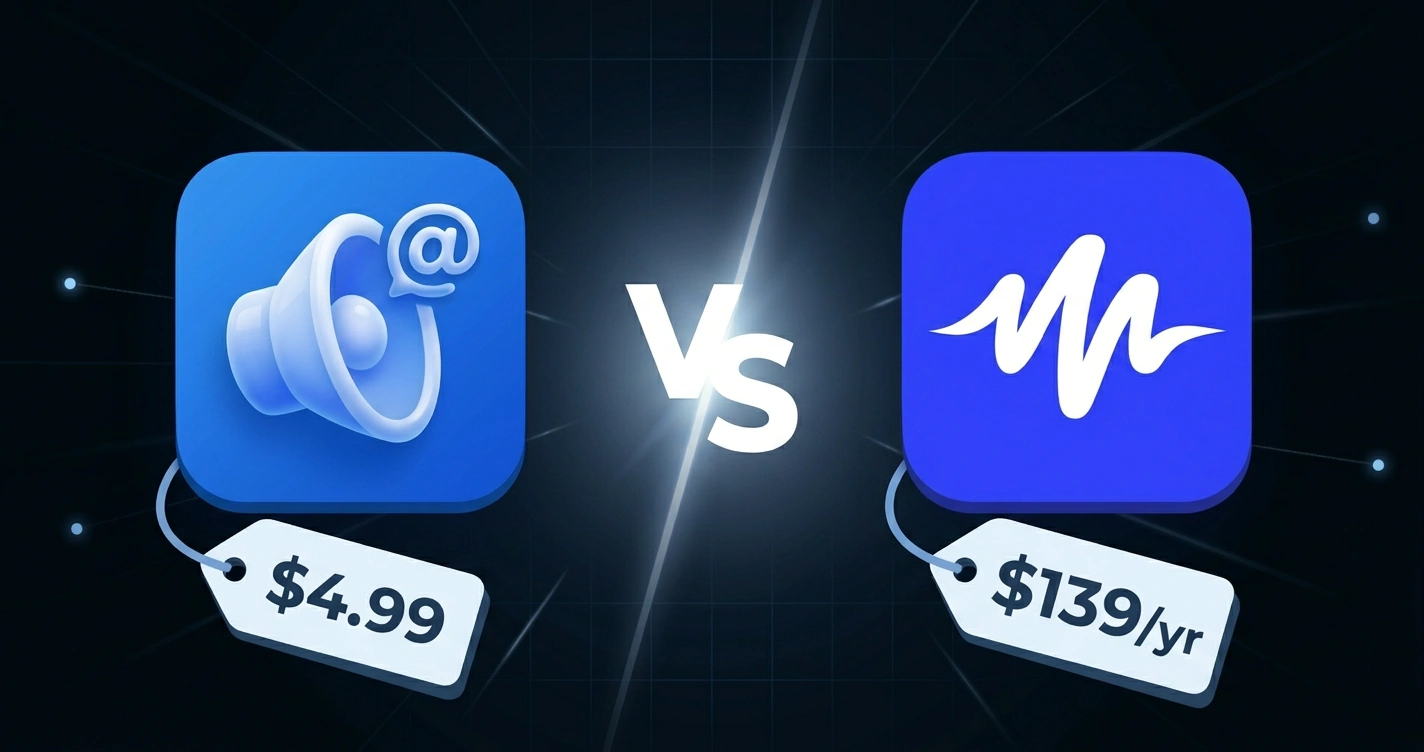
You want a Chrome extension that reads your Twitter feed to you. You've found Read Aloud, which is free and open source. You've also found Xeder, which costs $4.99. Which should you use?
The short answer: it depends on what you're reading. Let me explain.
Key Takeaways
- Read Aloud is free, open source, and works on any website
- Xeder costs $4.99 and is built specifically for Twitter feeds
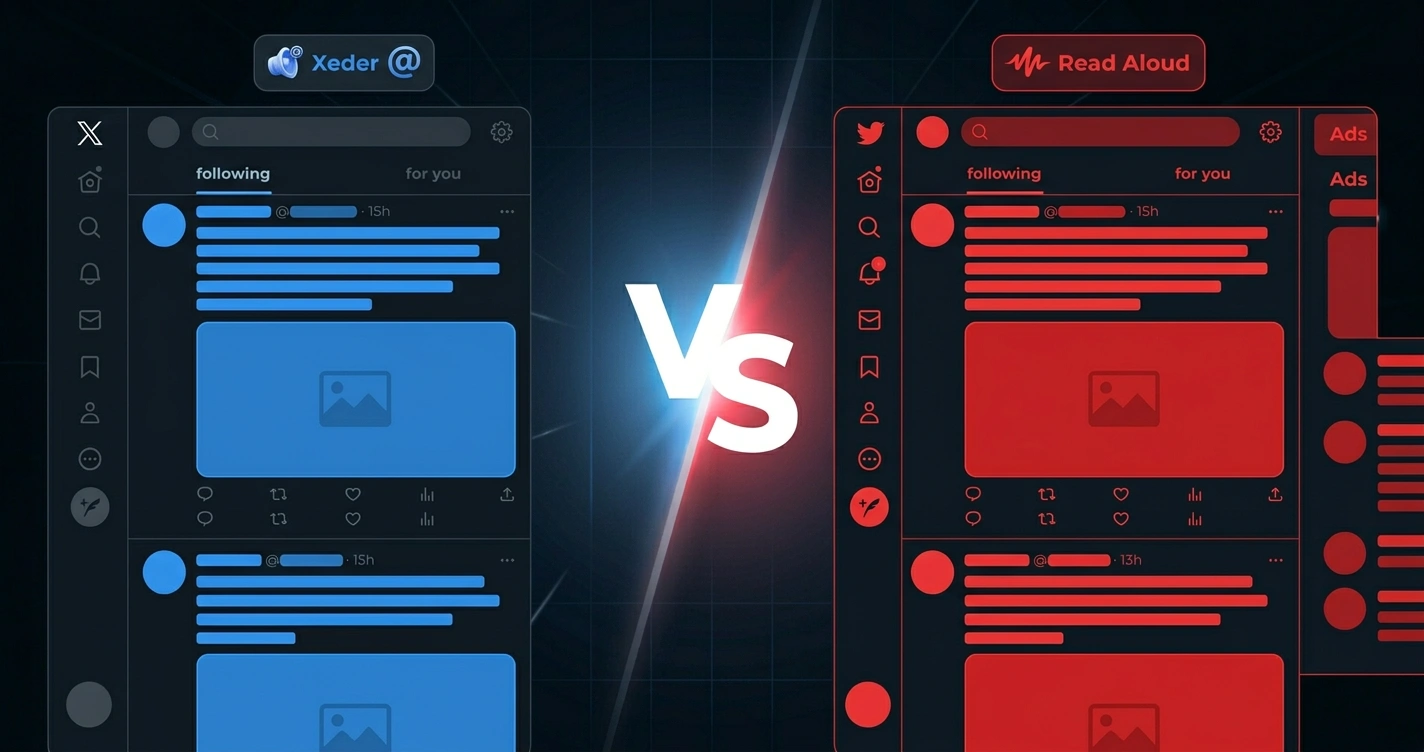
- On Twitter, Read Aloud reads everything: ads, UI elements, timestamps, buttons
- Xeder reads only tweet content, skips noise and promoted material
- Chrome's 14-second TTS bug affects Read Aloud when using browser voices
- Read Aloud is excellent for articles and long-form content
- Xeder is designed specifically for the Twitter feed reading experience
Quick Comparison
| Feature | Xeder | Read Aloud |
|---|---|---|
| Cost | $4.99 one-time | Free |
| Best For | Twitter feeds | Articles, webpages, PDFs |
| Twitter Experience | Optimized, tweet-aware | Reads all page content |
| Voice Quality | Excellent (Google Cloud) | Good (cloud or browser) |
| Open Source | No | Yes |
| Chrome 14-sec Bug | Not affected | Affected with browser voices |
| Configuration Options | Simple, focused | Extensive, power-user friendly |
Read Aloud: The Generalist
What It Is
Read Aloud is a free, open-source Chrome extension that reads any text on any webpage. It supports cloud voices from Google, Azure, and Amazon, or you can use your browser's built-in voices. It's highly configurable and beloved by power users.
Pros of Read Aloud
- Free
- Open source (you can inspect the code)
- Works on any website, not just Twitter
- Multiple cloud TTS options (Google, Azure, Amazon)
- Highly customizable
- Excellent for articles and blog posts
- Good voice quality with cloud voices
Cons of Read Aloud (for Twitter)
- On Twitter, it reads EVERYTHING on the page
- No understanding of tweet structure
- Reads ads as if they're regular tweets
- Reads timestamps, "X followers", "Like" buttons, "Reply" buttons
- Reads "Show more" buttons and collapsed content
- Chrome's 14-second TTS bug affects it with browser voices
- Creates a jarring, confusing listening experience on Twitter
What Does Read Aloud Actually Read on Twitter?
Let me give you a concrete example. Say you have a tweet like this:
With Read Aloud, you'd hear something like:
You get the content, but you also get all the metadata and UI elements. That's annoying for listening. It breaks the flow. You have to mentally filter out all the noise to get to the actual content.
Now imagine you're scrolling and there's a promoted tweet (an ad). Read Aloud doesn't know it's an ad. It just reads it like any other tweet. You can't tell where the ads are. Your listening experience is polluted with advertisements.
What Does Xeder Actually Read on Twitter?
With Xeder, on the same tweet:
Just the content. No timestamps, no view counts, no buttons, no metadata. Clean, focused reading.
And for promoted tweets? Xeder skips them. You know you're hearing real tweets from people you follow, not advertisements.
The Chrome 14-Second Bug
Chrome has a known bug with its built-in text-to-speech: it cuts off after about 14 seconds. This affects any extension using Chrome's native TTS voices.
If Read Aloud is using browser voices (not cloud voices), it's limited by this bug. Long tweets or passages get cut off.
Xeder uses Google Cloud Text-to-Speech, which is not affected by this bug. You get complete, uninterrupted reading.
Voice Quality and Configuration
Read Aloud is highly configurable. You can choose between Google, Azure, or Amazon cloud voices, or use browser voices. If you want to tinker with settings and have lots of options, Read Aloud is the power user choice.
Xeder uses Google Cloud voices by default. You don't have to configure anything. It just works, and the voices are excellent.
Voice quality-wise, both are good. Google Cloud voices are slightly better than browser voices, but the difference is marginal.
Cost
Read Aloud is free. Xeder costs $4.99.
If you're on a strict budget, free wins. But $4.99 is less than a coffee, and it's a one-time purchase that specifically solves the Twitter problem.
When to Use Each
Use Read Aloud if you:
- Want to listen to articles and blog posts
- Want a free tool that works everywhere
- Like having lots of configuration options
- Want to support open source
- Read articles more than Twitter
Use Xeder if you:
- Want to listen to your Twitter feed
- Don't want to hear ads mixed in with real tweets
- Want a seamless, optimized experience specifically for Twitter
- Don't want to deal with Chrome's TTS bugs
- Value a tool designed for one job and done well
Can You Use Both?
Yes. Many people do. They use Xeder for Twitter and Read Aloud for everything else (articles, blog posts, documents, webpages). Read Aloud is better for general web content. Xeder is better for Twitter.
If you're using your browser to read long-form content and your Twitter feed, you can have both tools working for you.
Try Xeder for Your Twitter Feed
Optimized for listening to your X feed. No ads, no noise, just your tweets. One-time $4.99.
Get Xeder on Chrome Web StoreLearn More
Want a complete breakdown of all methods to listen to Twitter? See how to listen to your Twitter feed in 2026: every method compared.
Curious about the technical reasons why general TTS tools struggle with Twitter? Read why general text-to-speech extensions don't work well on Twitter.
Comparing Xeder to paid tools? Check out Xeder vs. Speechify.
Frequently Asked Questions
Can I use Read Aloud with cloud voices instead of browser voices to avoid the 14-second bug?
Yes. If you configure Read Aloud to use Google, Azure, or Amazon cloud voices, you won't hit the 14-second bug. But you still get the problem of reading all page content (ads, UI, timestamps) instead of just tweets.
Is Xeder open source like Read Aloud?
No, Xeder is not open source. If being able to inspect the code is important to you, Read Aloud is the better choice for that reason.
Will Read Aloud work with upcoming Twitter/X changes?
Read Aloud works by reading visible text on any website, so it's not dependent on Twitter's DOM structure. It will continue to work even as Twitter changes. However, it will also continue to have the problem of reading all page content, not just tweets.
Can I use Read Aloud to skip ads on Twitter?
Not really. Read Aloud doesn't understand what's an ad and what's a tweet. You could manually stop it when an ad plays, but that defeats the purpose of automation.
Does Xeder work on mobile like Read Aloud?
Xeder is a Chrome extension, so it works on desktop Chrome and mobile Chrome (if your Android browser supports extensions). Read Aloud also requires Chrome or a Chromium browser.
What if I want to listen to my Twitter feed for free?
Read Aloud is free and will work, though with the limitations mentioned. Chrome's built-in TTS is also free but has the 14-second bug. $4.99 is the cheapest way to get a tool specifically designed for this task.
Can I customize Xeder's voices like I can with Read Aloud?
Xeder uses Google Cloud voices by default. Customization options are more limited compared to Read Aloud, which supports multiple cloud TTS providers. Xeder prioritizes simplicity over configuration.