Xeder vs Speechify: Which Is Better for Listening to Twitter?
You want to listen to your Twitter feed. You've heard of Speechify. You've heard of Xeder. Which one is actually better?
The answer depends on what you're trying to do. Let me break it down honestly.
Key Takeaways
- Speechify is a general TTS app that works everywhere but has no Twitter integration
- Xeder is built specifically for Twitter feeds
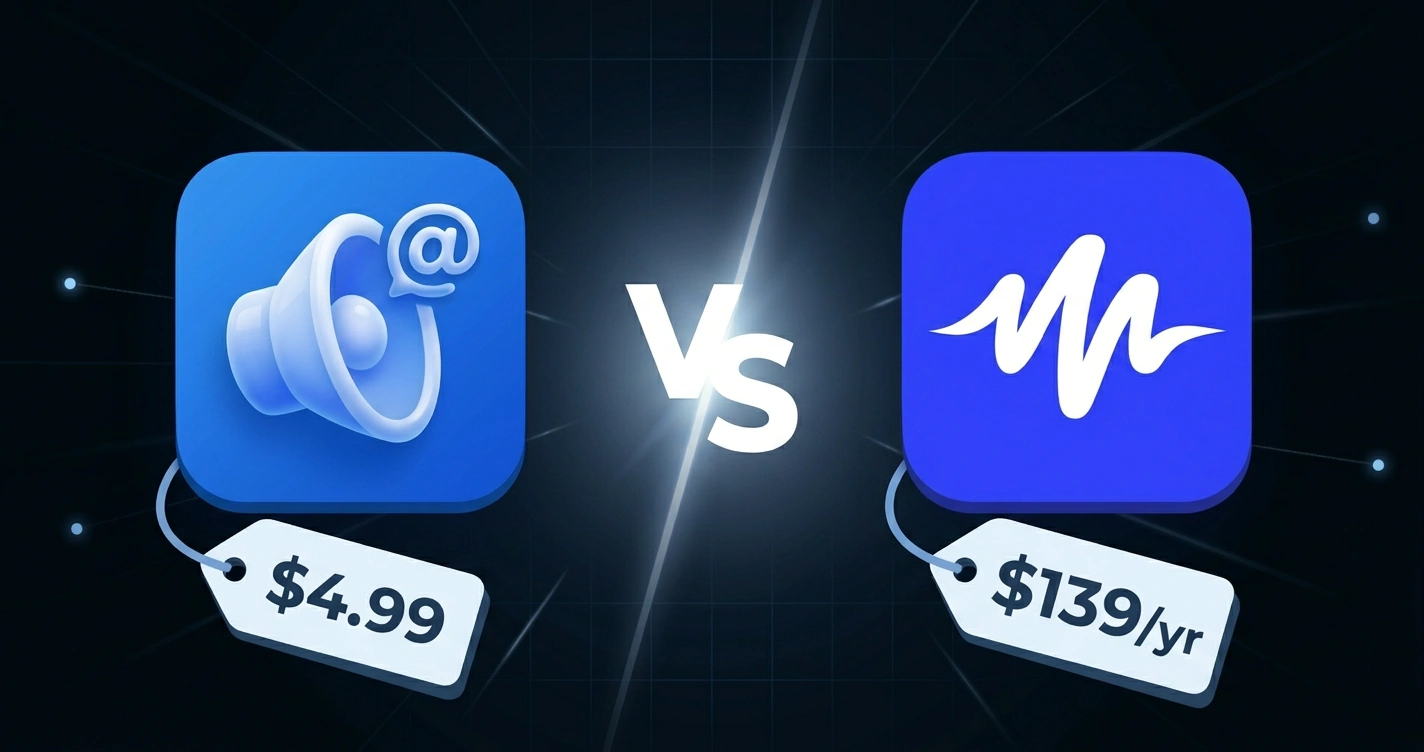
- Speechify costs $139/year, Xeder costs $4.99 one-time
- For Twitter alone, Xeder is faster, cheaper, and better designed
- If you need TTS everywhere, Speechify is the right choice (but use the app, not copy-paste)
- Speechify's official suggestion is to copy-paste tweets, which is clunky and breaks reading flow
- Xeder integrates directly into Twitter for a seamless experience
Quick Comparison Table
| Feature | Xeder | Speechify |
|---|---|---|
| Price | $4.99 one-time | $139/year or $12/month |
| Twitter Integration | Purpose-built, reads feed directly | None (copy-paste only) |
| Voice Quality | Excellent (Google Cloud TTS) | Excellent (200+ voices) |
| Setup Time | 2 minutes | 5 minutes |
| Works Everywhere | Twitter only (Chrome) | Yes, any text |
| Workflow | Open feed, press play | Copy text, paste in app, listen |
| Cost for Twitter Use Only | $4.99 total | $139+ per year |
The Pricing Reality
Let's talk about cost first because it's the starkest difference.
Xeder: $4.99 one-time purchase. You buy it once. You use it forever.
Speechify: $139 per year (billed annually) or $12 per month.
The math: Xeder costs what 13 days of Speechify costs. After that, you're using Xeder for free forever.
If you're only using Speechify for Twitter, this is a terrible value proposition. You're paying a hundred times more for a worse experience on that platform.
If you're using Speechify for articles, documents, emails, PDFs, and Twitter, then the calculus changes. Speechify might be worth it.
Twitter Integration: The Real Difference
Here's what Speechify says to do with Twitter: "Copy the tweet text, go to Speechify, paste it, listen."
That's the official approach. It works, but it's terrible for reading your feed.
The Speechify Workflow
- You're on Twitter, reading your feed
- You see a tweet you want to listen to
- You manually select the tweet text (not always easy with Twitter's UI)
- You copy the text
- You open Speechify (another app/window)
- You paste the text into Speechify
- You listen
- The tweet ends, you go back to step 2 for the next tweet
This workflow destroys any sense of flow. You're context-switching constantly. Each tweet becomes a manual task.
The Xeder Workflow
- You're on Twitter, reading your feed
- You put in your earbuds and press play
- Xeder reads your feed from top to bottom
- You can pause, skip tweets, or adjust speed
- You listen while you do other things
Xeder is designed specifically for this task. It understands your Twitter feed, knows what a tweet is, skips noise, and delivers a seamless reading experience.
Voice Quality
Both have excellent voice quality. Speechify has 200+ voices to choose from, which is impressive. Xeder uses Google Cloud Text-to-Speech, which has excellent voices and is actively improved by Google.
Voice quality alone isn't a differentiator here. Both are great.
Speechify advantage: More voices to choose from.
Xeder advantage: Google is constantly improving these voices, so you get better quality over time as Google updates their TTS model.
Where Speechify Wins
Speechify is the right tool if you need TTS everywhere:
- Reading long articles on websites
- Converting PDFs to audio
- Reading emails
- Listening to documents
- Reading anything on the web
Speechify is a general-purpose TTS tool. It's not designed for Twitter specifically, but it works for any text.
If you're already paying for Speechify for these use cases, adding Twitter to your workflow is just extra functionality you already paid for.
Where Xeder Wins
Xeder is the right tool if you specifically want to listen to your Twitter feed:
- Built specifically for Twitter, understands tweet structure
- Reads your actual feed, not copy-pasted text
- Seamless workflow (open, play, listen)
- High-quality Google Cloud voices
- Costs $4.99 one-time
- Active maintenance and updates
- Skips ads, promoted content, and UI noise
For the specific use case of listening to your Twitter feed, Xeder is better designed, faster to use, and dramatically cheaper.
What If You Use Both?
Some people do. They use Speechify for everything else (articles, documents, emails) and Xeder for Twitter. This makes sense if you're already paying for Speechify.
Or you use Xeder for Twitter and Read Aloud (free) for articles. Or you use Xeder and read most things manually.
The point is: for Twitter specifically, Xeder is better.
Try Xeder for Your Feed
Get the best way to listen to your Twitter feed. Built specifically for Twitter, one-time payment, seamless experience.
Get Xeder on Chrome Web StoreThe Decision Matrix
Choose Speechify if you:
- Need TTS for articles, PDFs, documents, emails
- Want 200+ voice options
- Already subscribe and use it
- Need TTS on every website
Choose Xeder if you:
- Only want to listen to your Twitter feed
- Don't want to pay $139+ per year
- Want a seamless feed reading experience
- Prefer Twitter-specific functionality
Learn More
For a complete breakdown of all methods to listen to your Twitter feed, check out how to listen to your Twitter feed in 2026: every method compared.
Want to understand the technical reasons why general TTS tools don't work as well on Twitter? Read why general text-to-speech extensions don't work well on Twitter.
Also compare Xeder to other tools like Xeder vs. Read Aloud.
Frequently Asked Questions
Can I use Speechify's web app instead of copying and pasting?
Speechify's web app lets you paste text directly into a text box and listen. But you still have to copy from Twitter and paste into Speechify. The workflow is the same, just in a web app instead of the desktop app.
Does Speechify have a Twitter integration I'm not aware of?
As of 2026, Speechify does not have native Twitter integration. Their official guidance is copy-paste. If they launch a direct integration in the future, this comparison may change.
Will Xeder work with TweetDeck or Twitter Lists?
Xeder works with your main Twitter feed. For TweetDeck or specialized views, it may vary depending on your usage. Check the Chrome Web Store page for the most current feature list.
Is Speechify cheaper if I subscribe monthly instead of yearly?
Yes, monthly is cheaper per month ($12 vs. $139 annually). But yearly is cheaper per year ($139 vs. $144 for monthly). Neither is cheap compared to Xeder's $4.99.
What if I'm using Speechify for free?
Speechify's free tier is limited to 2,000 characters per month. That's about 10 tweets. For unlimited Twitter listening, you'd need to pay.
Can I use both Xeder and Speechify at the same time?
Yes. You can use Xeder for Twitter and Speechify for everything else. Many people do this.
What about voice privacy? Does Xeder send my tweets to Google?
Xeder uses Google Cloud Text-to-Speech, which means your tweet text is sent to Google's servers to be converted to audio. If privacy is a concern, review Google's privacy policy for Cloud TTS. Speechify sends your text to Speechify's servers. Both involve server-side processing.